

How to Convert IPYNB to JPG: The Fast, No-Install Way
Convert Jupyter notebooks to JPG images in your browser with no Python, Jupyter, or nbconvert. Learn when JPG beats PNG, how saved outputs render, privacy, thumbnails, FAQ, and a link to our free IPYNB to JPG tool.

Jupyter notebooks are brilliant for data analysis, machine learning experiments, and teaching Python, but the instant you send a .ipynb to someone without Jupyter installed, traction drops off fast.
Plain CSV dumps can be skimmed anywhere. Raw .ipynb JSON is opaque to recruiters, Slack channels, hiring managers, and many clients. Slide decks swallow JPEGs, not notebook JSON. Email clients won’t magically render kernels.
That gap is precisely what notebook-to-image exports bridge. Below you’ll learn the real use cases, JPG vs PNG, workflow tips, privacy expectations, and how to execute the whole workflow from Chrome, Edge, Safari, or Firefox without installing tooling.
Ready to skip reading and convert now? Open the free IPYNB to JPG tool →
Why Convert a Jupyter Notebook to an Image at All?
Knowing why you’re exporting informs whether you crop aggressively, prioritize text sharpness (PNG vs JPG), or pair the export with PDF backups.
Sharing on Social Media
A crisp notebook frame with tidy outputs reads instantly in-feed. A .ipynb attachment rarely gets opened, as it’s unfamiliar and heavy.
Embedding in Decks & Docs
Both Google Slides and Microsoft PowerPoint eat JPG placeholders instantly. Paste once; no painstaking cell screenshots.
Thumbnails That Actually Convert Visitors
Portfolio grids, Markdown blogs, and GitHub READMEs benefit from recognizable hero art. Visual previews outperform ambiguous blue links alone.
Stakeholders Who Won’t Spin Up Conda
Executives skim email on phones. JPG removes the “please install Jupyter” bottleneck.
Archival Snapshots
Freeze the notebook visuals before refactoring data pipelines or refactoring cells, because JPEG can be a pragmatic bookmark in time.
IPYNB to JPG vs IPYNB to PNG, which should you choose?
Both formats work for still captures; differentiation is purely technical:
- JPG uses lossy compression, so files stay smaller, which works best on social timelines, cramped email threads, or anywhere attachment ceilings bite.
- PNG preserves lossless detail, so dense monospace and hairline glyphs survive zoom-heavy reviews or print-adjacent mockups better.
Quick rule of thumb: start with JPG for effortless sharing; escalate to PNG when microscopic code clarity outweighs bandwidth.
How to Convert .ipynb to JPG Without Installing Python
Most tutorials implicitly assume nbconvert + a sane Python toolchain. Reality: conference Wi‑Fi laptops, Chromebooks, and corporate locked-down workstations often leave you with no interpreters ready.
At Jupy Tools, the funnel is deliberate:
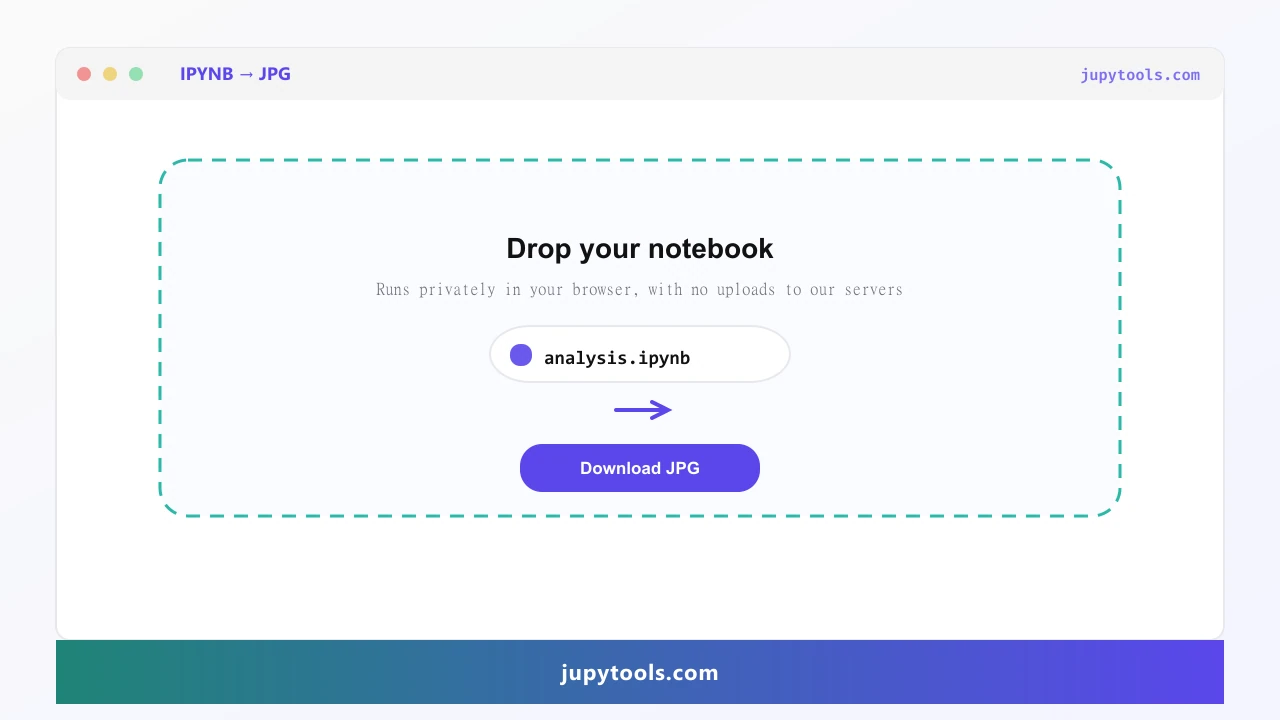
- Open /ipynb-to-jpg on whichever device/browser you prefer.
- Upload your verified
.ipynb(drag/drop ok). - Wait briefly while MIME parsing and layout run via secure server conversion (processed for this request only, not stored).
- Download the assembled JPG artifact.
Twenty to thirty seconds is typical unless the notebook nests massive inline base64 plot payloads.
Inline shortcut reminder: press Ctrl+S on Windows/Linux or Cmd+S on macOS inside Jupyter whenever you tweak cells so embeddings stay synced with what you intend to screenshot.
Does Saved Output Appear in the JPG?
Yes, with one caveat: converters read serialized cell records, not ephemeral kernel RAM.
Executed today? Outputs render. Cleared intentionally? Cells look blank, even if Jupyter could recompute them offline.
Triple-check mentally before exporting:
- Run every cell whose story you intend to visualize.
- Save promptly (
Ctrl+S/Cmd+S). - Spot-check Jupyter’s UI mirrors what you intend marketing/demo audiences to ingest.
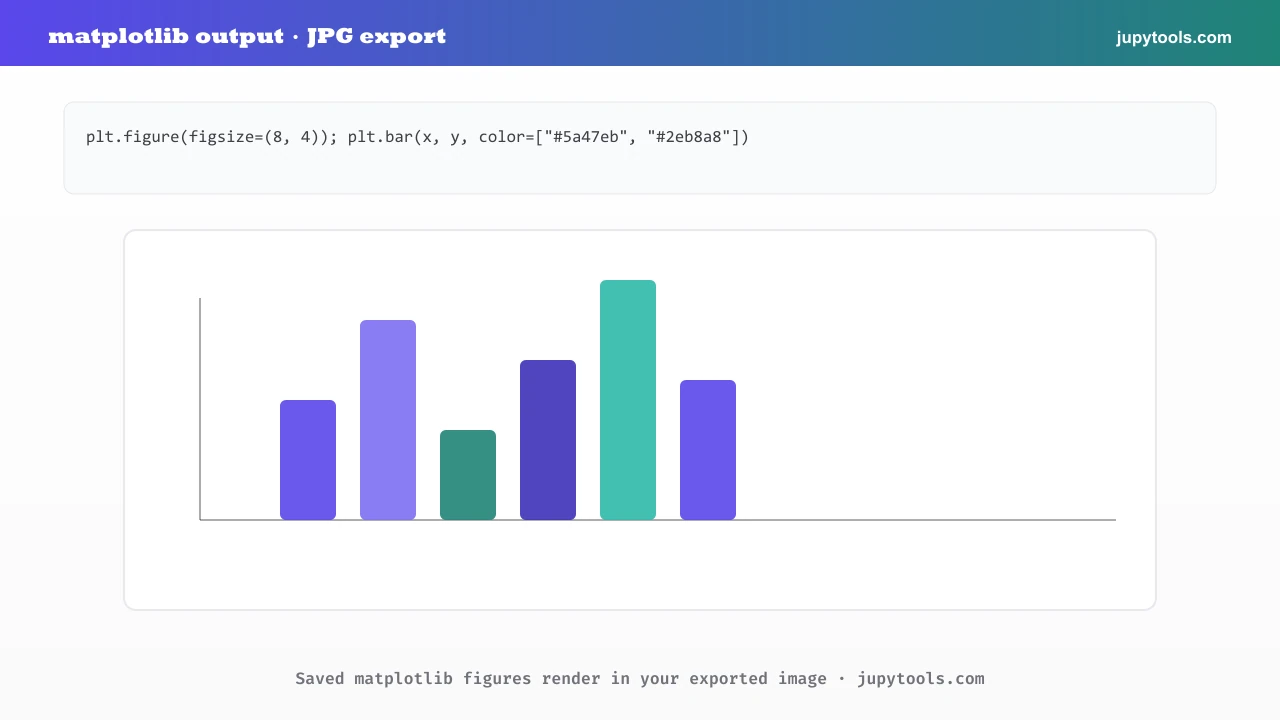
Embed evidence of rich plots, because the pipeline honors matplotlib/seaborn PNG/SVG payloads when embedded.
Is Notebook Data Safe Here?
Assume leaks are unacceptable when notebooks hold regulated, credential-laden, or strategic payloads.
Converter downloads use secure server conversion and are not retained as a durable archive. Still scrub secrets before sharing any export.
Operational hygiene still matters: sanitize secrets before immortalizing snapshots.
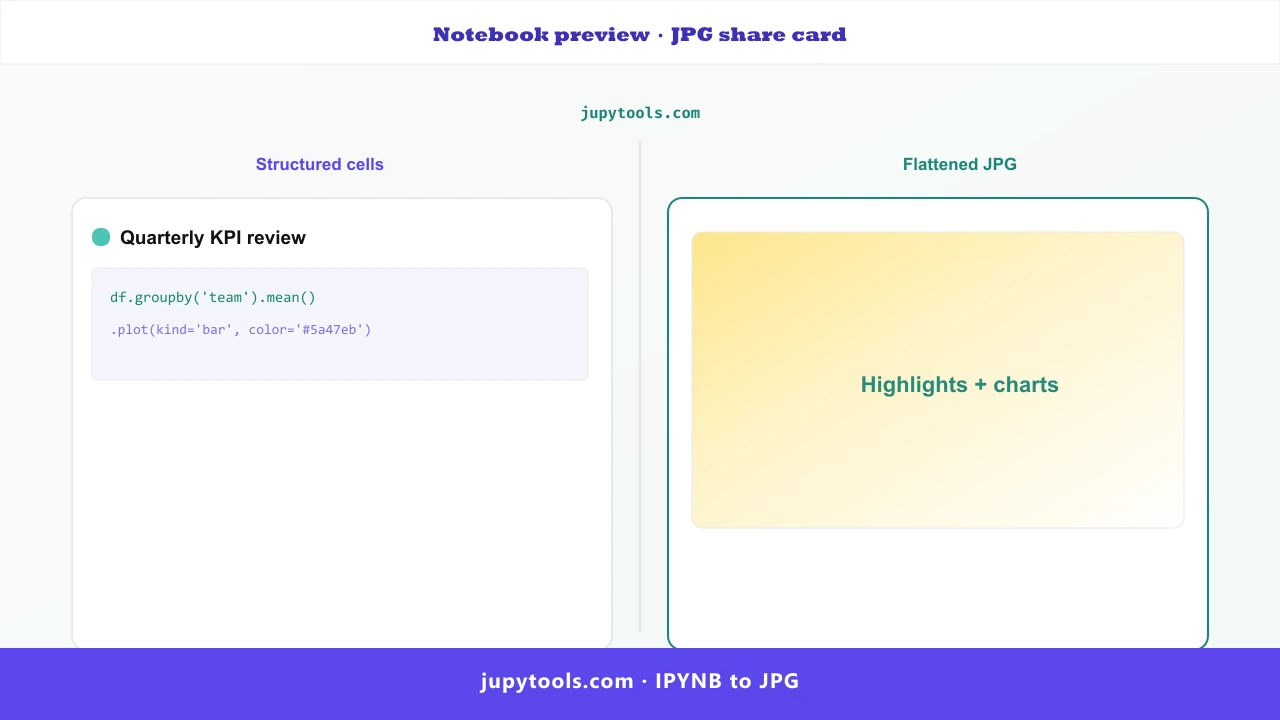
Anatomy of the Exported JPG
Rendered frames generally include:
- Monospace syntax highlighting analogous to Jupyter dark/light themes depending on tooling.
- Markdown typography (emphasis lists, headings, inline code).
- Streams + rich media outputs inlined where nbformat persists them.
- Execution order hints aligning with Jupyter’s numbering affordances where enabled.
Portrait orientation stacks tall for lengthy analyses, which is perfect when you crop highlight reels afterward.
Notebook vs JPG comparison (editorial diagram for jupytools.com):
Common High-ROI Scenarios We See
- Interview packets & case study PDF supplements.
- Curriculum snapshots pasted into LMS silos resisting raw
.ipynb. - Editorial teams needing deterministic layout without iframe embed nightmares.
- Consulting deliverables for semi-technical leaders who live in inbox threads.
- README hero shots teasing reproducible repos.
Explore companion utilities anytime from all tools →.
Rapid Notebook Thumbnail Recipe
Perfect for SaaS dashboards & personal portfolios:
- Run all substantive cells locally.
- Save & validate outputs.
- Export via /ipynb-to-jpg.
- Open the JPG locally.
- Crop aggressively toward title + hallmark visualization.
- Resize to canonical social dimensions (≈1200×630) or narrower blog cards (≈800×450).
Ship optimized JPG or modern WEBP fallbacks for Core Web Vitals budgets.
Final Takeaway
Treat JPEG exports like social glue: fast, tolerant, endlessly embeddable. Pair them with deterministic .ipynb source control + optional PDF archival when fidelity absolutely matters.
Your analysis deserves glanceable proof, so automate exporting and make sure stakeholders actually see it.
FAQ: IPYNB to JPG conversion
JPG uses lossy compression, so files stay smaller, ideal for timelines, Gmail, Slack, and LMS uploads. PNG is lossless, which keeps sharper code edges during aggressive zoom, so swap to PNG when micro-typography matters more than bytes.
Yes. Anything already saved inside your .ipynb (matplotlib charts, printed text, DataFrames, errors) renders. Outputs you cleared or never ran stay empty, because the snapshot never executes live kernel code.
Absolutely. The /ipynb-to-jpg tool uses secure server conversion with no Python stack, Jupyter install, or nbconvert configuration on your machine.
By default it exports one tall, continuous JPG covering the notebook top to bottom. Crop regions afterward in Preview, Paint, or any editor if you only need part of the story.
The render targets roughly screen DPI (~72 up to ~96) at a readable column width, which suits Slack, Gmail, LMS, decks, etc. Demand archival print fidelity? Pair with /ipynb-to-pdf when you need vector-grade output.
No durable archive: conversion uses secure server processing for this request only and is not stored afterward.
JPG slips into presentations, thumbnails, Slack, tweets, or README previews with almost zero friction. PDF wins for submissions, archiving, or professional print.
Yes, the visual model mirrors typical notebook UX: Markdown renders with headings/lists, code cells carry syntax highlighting, and outputs sit under cells similar to Jupyter.
Yes. Export JPG, crop to showcase the headline plus strongest output, resize to canonical social previews (often near 1200×630) or narrower blog thumbs (~800×450), optimize, publish.
A mid-sized (~20-cell) notebook commonly lands roughly 500 KB to 2 MB as JPG depending on graphs plus embedded raster assets. Dense dashboards may spike higher.